Powerbuilder from skinny
Lean and light — abs may show, but shoulders, chest, and arms are thin. Often a fast metabolism and a small frame. Here is what the powerbuilder transformation looks like from exactly that start — rendered on a real photo, not a stock body.
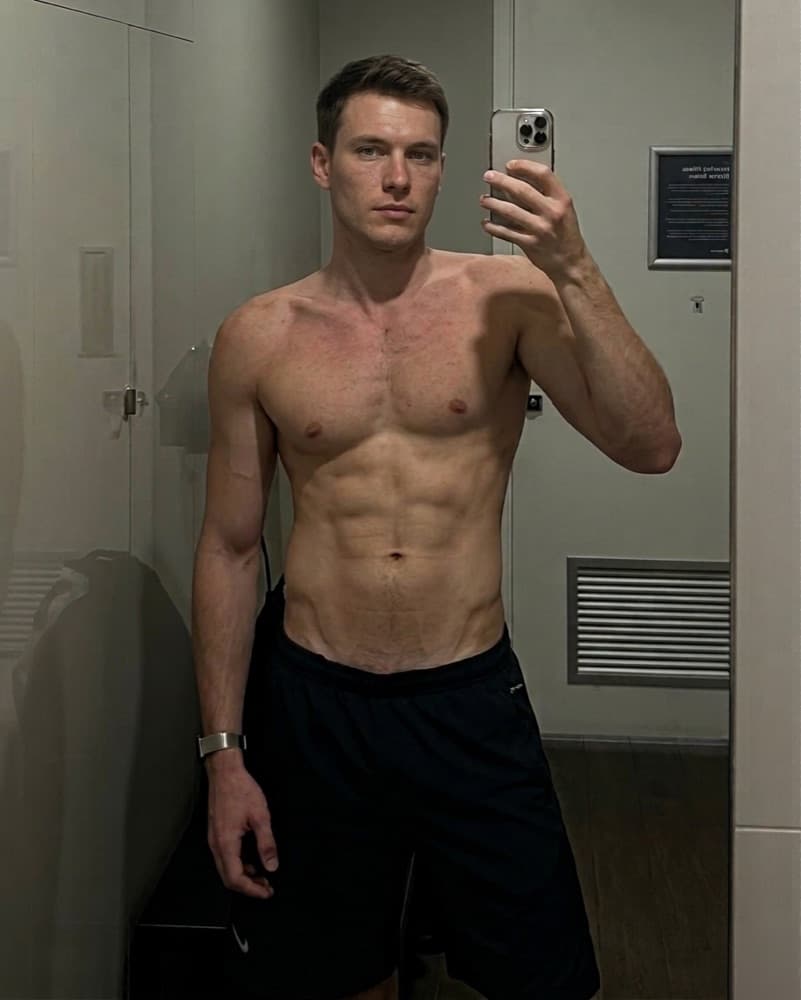
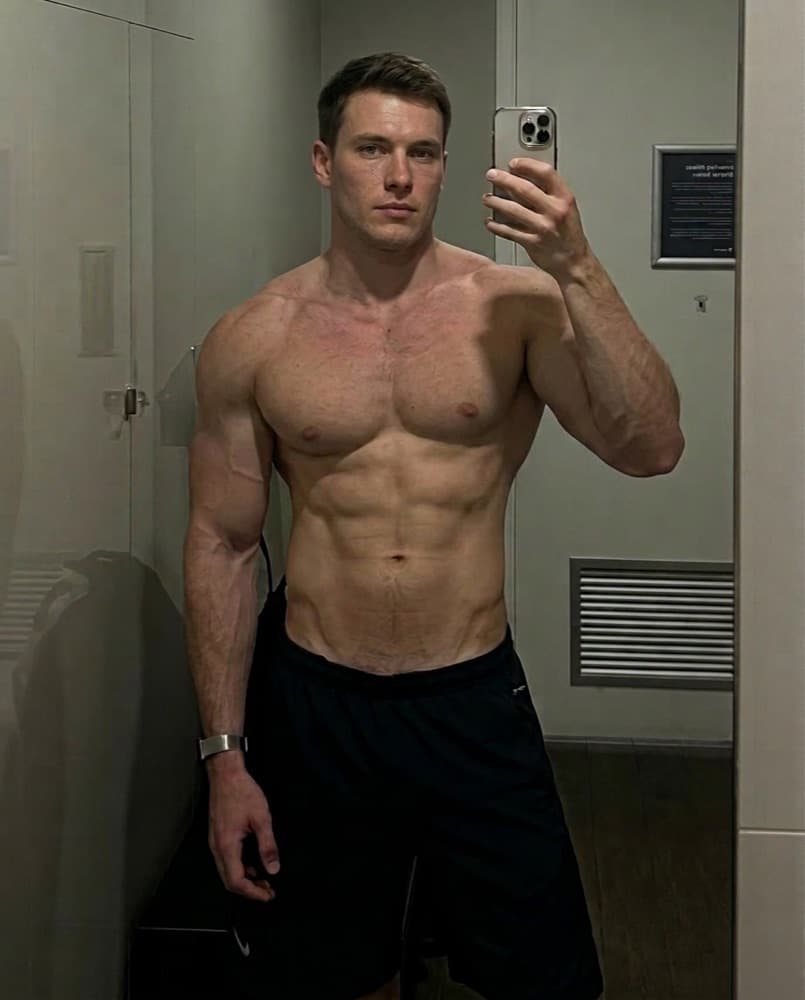
Starting from skinny
This starting point needs a calorie surplus and patience. Eat in a controlled surplus, focus on compound lifts, and expect the first year to add more muscle than any year after it. Cutting is not the priority yet.
What powerbuilder changes
Function over polish — the dense, powerful look of someone who moves real weight.
- Thick traps, erectors, and posterior chain
- Dense arms and a wide, heavy back
- A strong waist rather than a tiny one
What it takes
1–2 years of strength-focused training. Powerbuilding trades some aesthetics for strength. Heavy squats, pulls, and presses build the back, hips, and traps first, and the result reads as 'strong' before 'shredded'. The preview keeps your body fat moderate and adds the dense muscle heavy compound lifting produces.
See it on your own photo
The example above is one upload. Yours will keep your face, your frame, and your bathroom mirror, and show the powerbuilder version of you. Your first look in the app is free; this transformation costs 50 tokens after that, shown before you tap.
More transformations from skinny
All 25 →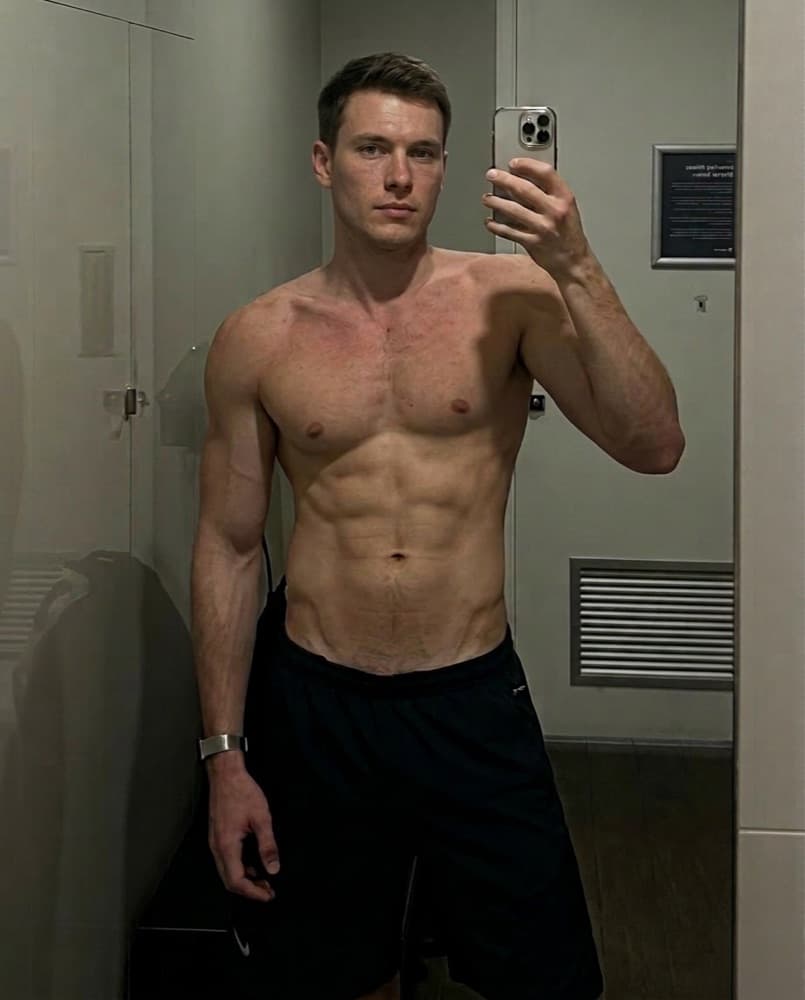 50
50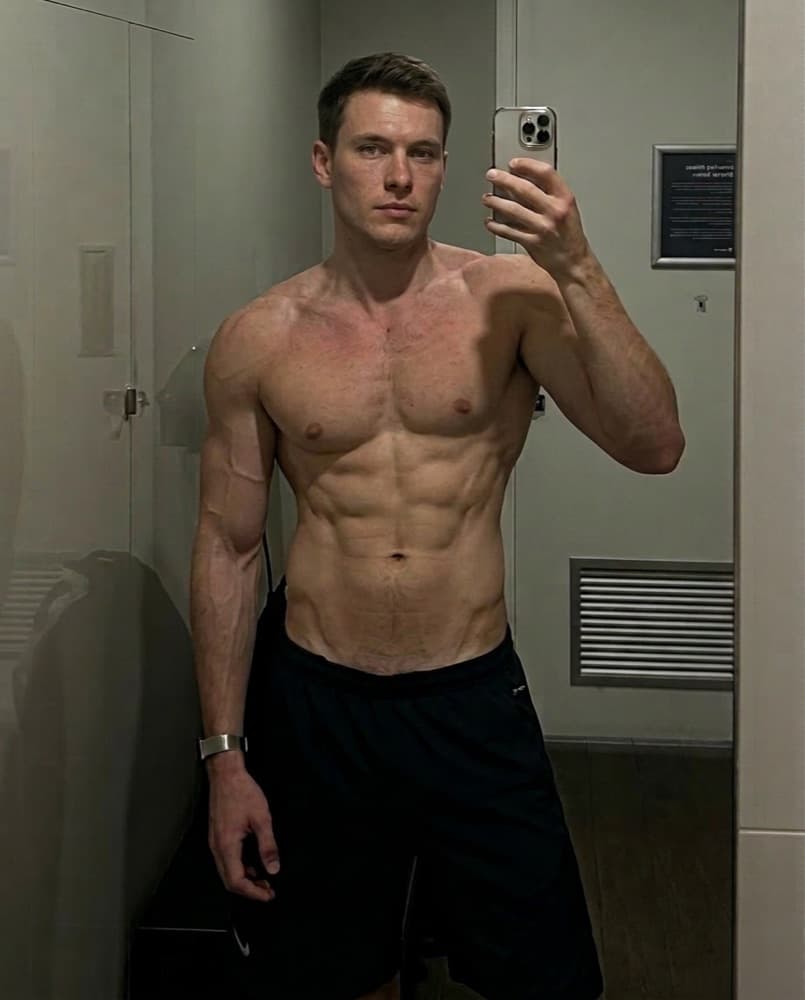 50
50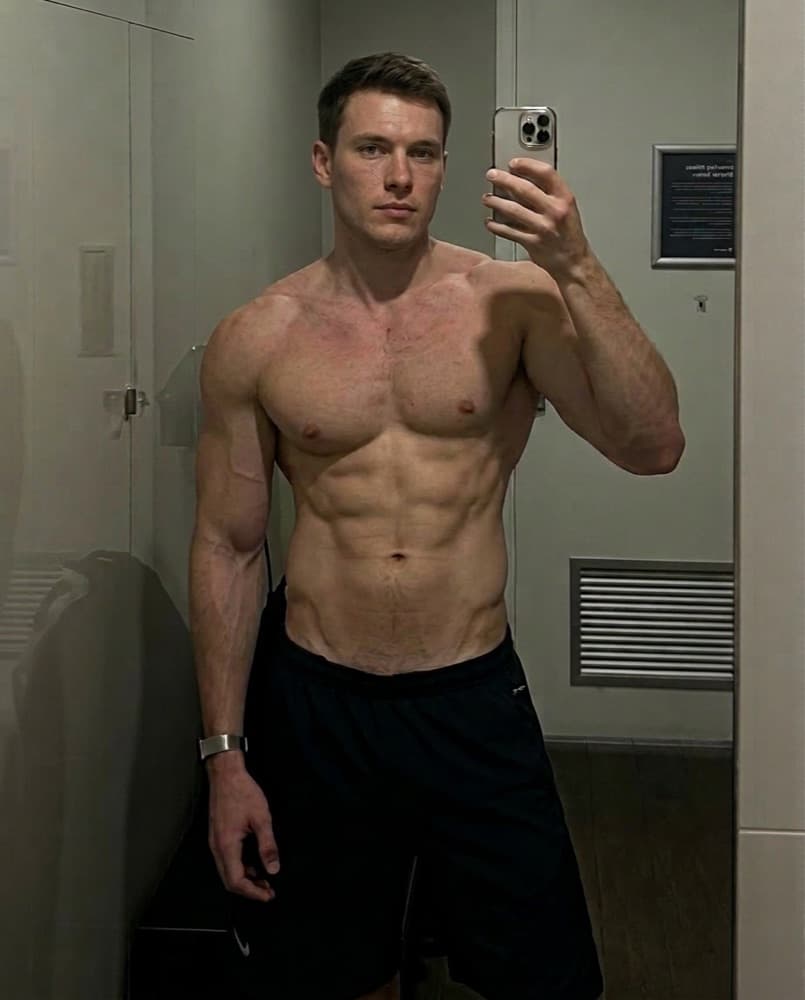 50
50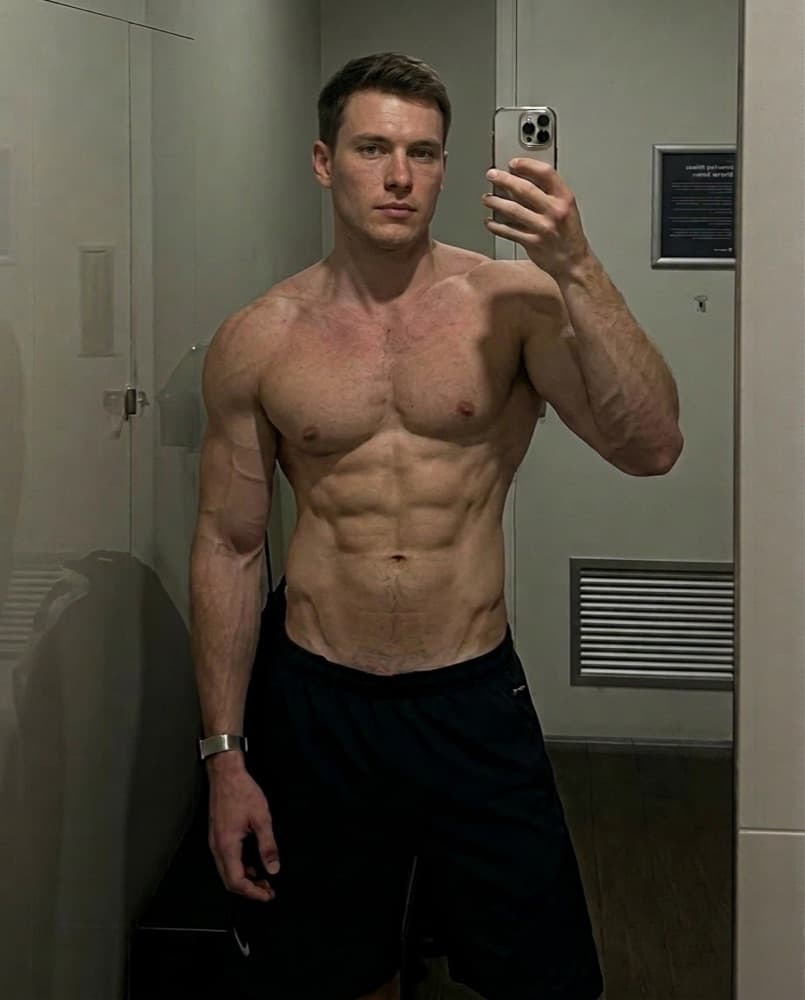 50
50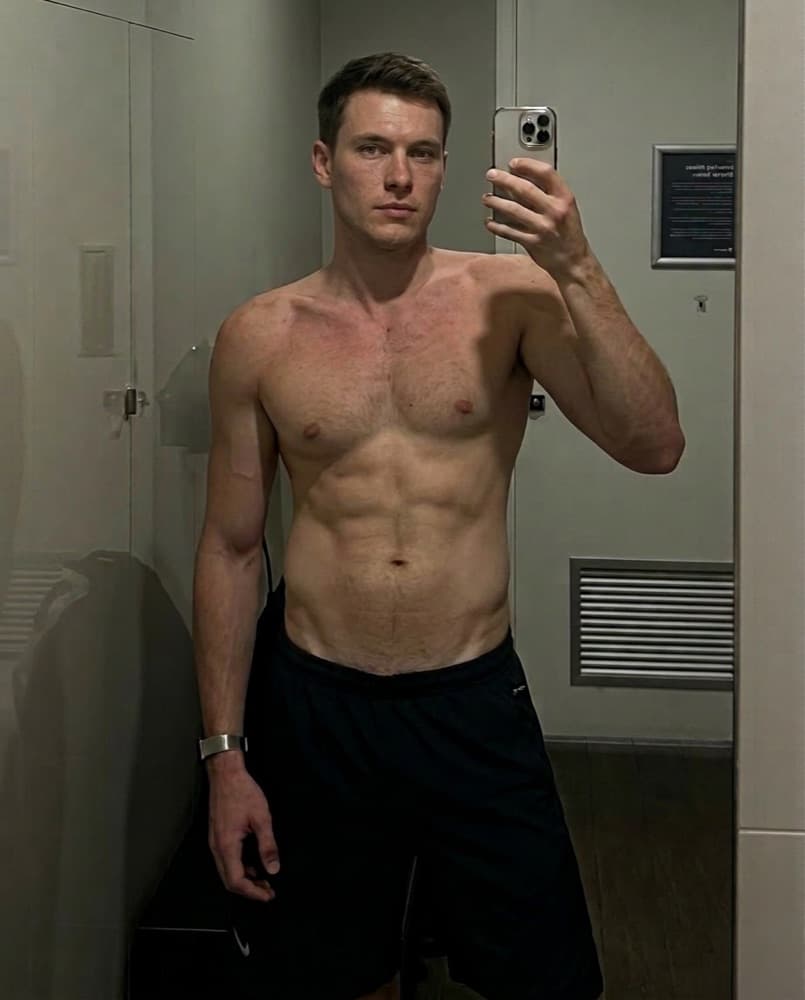 50
50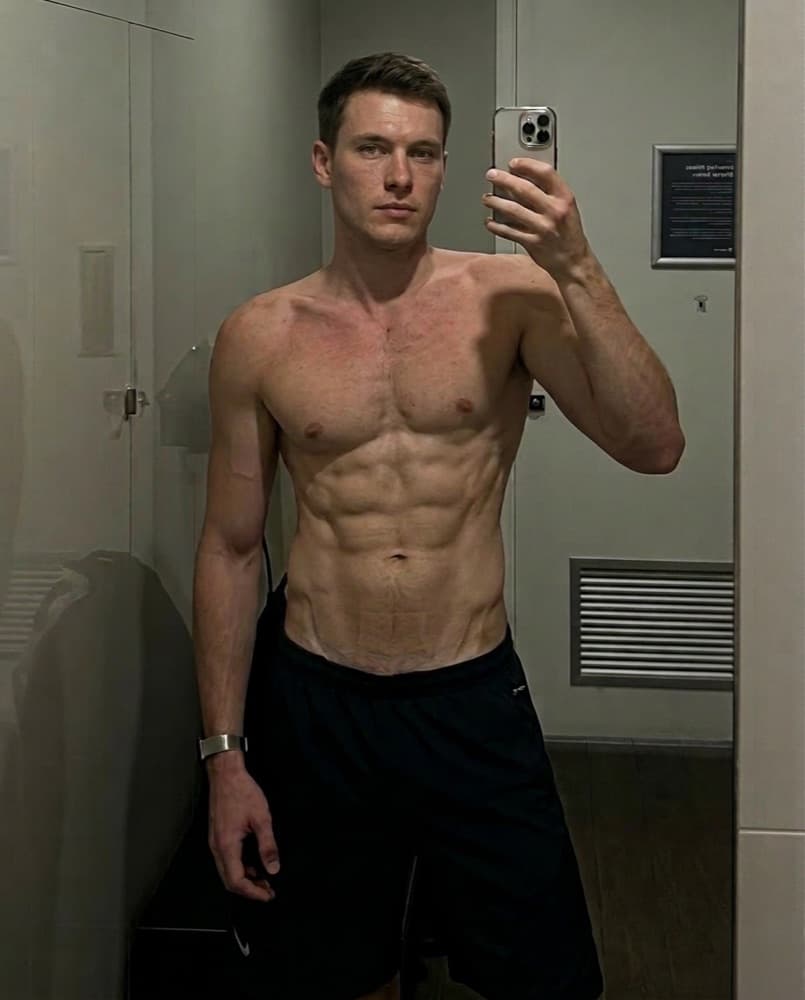 50
50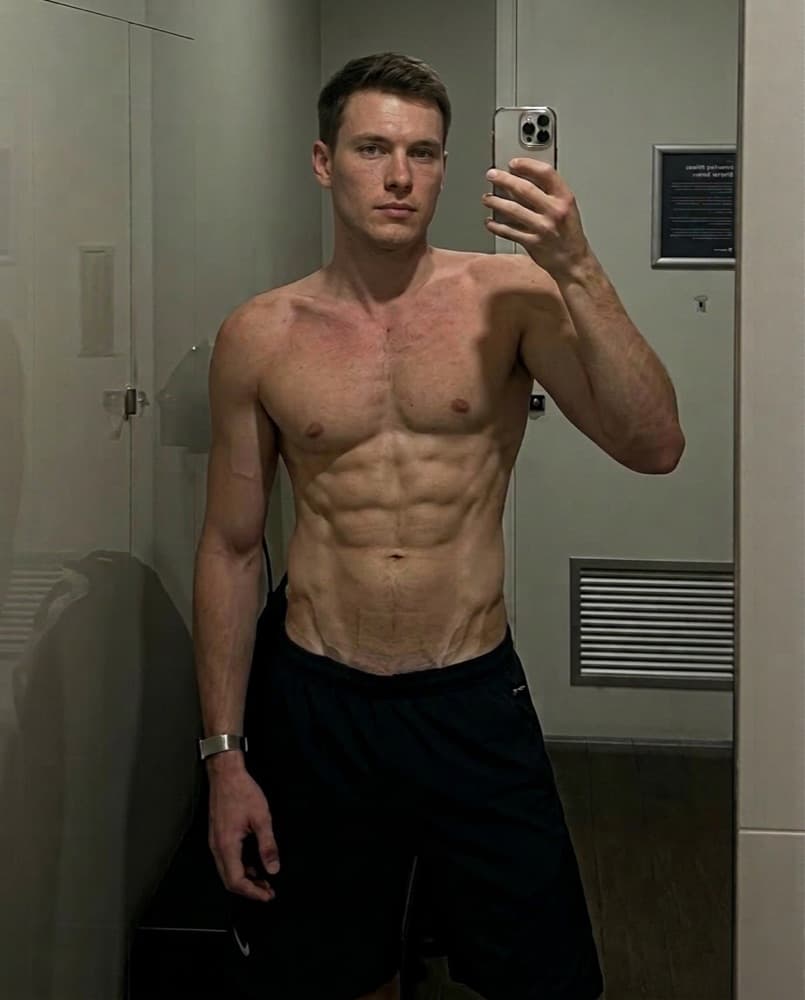 50
50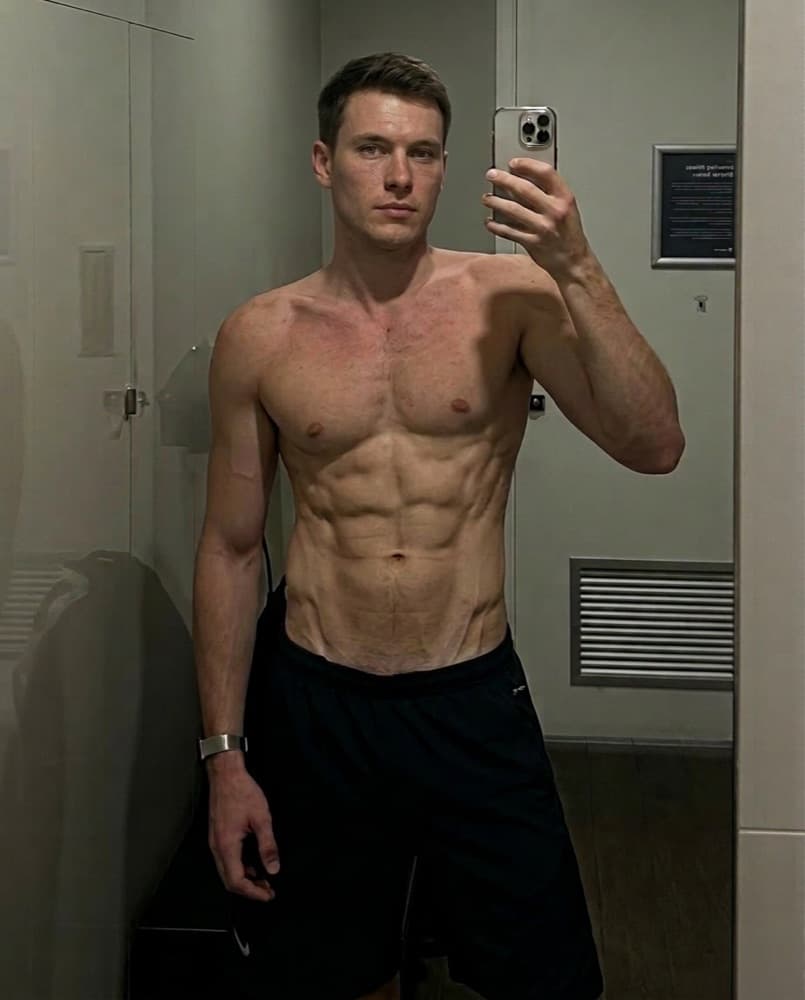 50
50
See powerbuilder from skinny — on your body.
Get the app, upload one photo, and see this transformation rendered on your own frame.
